
Every growing brand hits the same wall. One day your team of five is sharing files through a Google Drive folder. The next, you're a team of twenty with assets spread across Dropbox, email threads, Slack channels, and someone's desktop.
The result? Inconsistent branding, duplicated work, and a creative team that spends more time searching for assets than actually creating.
The hidden cost of "good enough" storage
Most teams don't realize how much time they lose to disorganized assets until they add it up. Research shows that knowledge workers spend an average of 19% of their workweek searching for and gathering information. For a marketing team managing thousands of images, videos, and brand assets, that number can be even higher.
The problems compound as your team grows:
- Version confusion — Which logo is the latest? Is this the approved version of the campaign banner?
- Inconsistent branding — Different teams using different assets creates a fragmented brand experience.
- Slow distribution — Getting the right assets to partners, agencies, and sales teams takes too long.
- Wasted creative effort — Designers recreate assets that already exist because they can't find the originals.
What the best teams do differently
The fastest-growing brands we work with share a few common practices that separate them from the pack. They don't just store files — they build systems for content operations.
1. A single source of truth
Rather than scattering assets across multiple tools, these teams centralize everything in one platform. When anyone needs an asset, they know exactly where to look. No more "Can you send me the latest version?" messages clogging up Slack.
2. Smart organization from day one
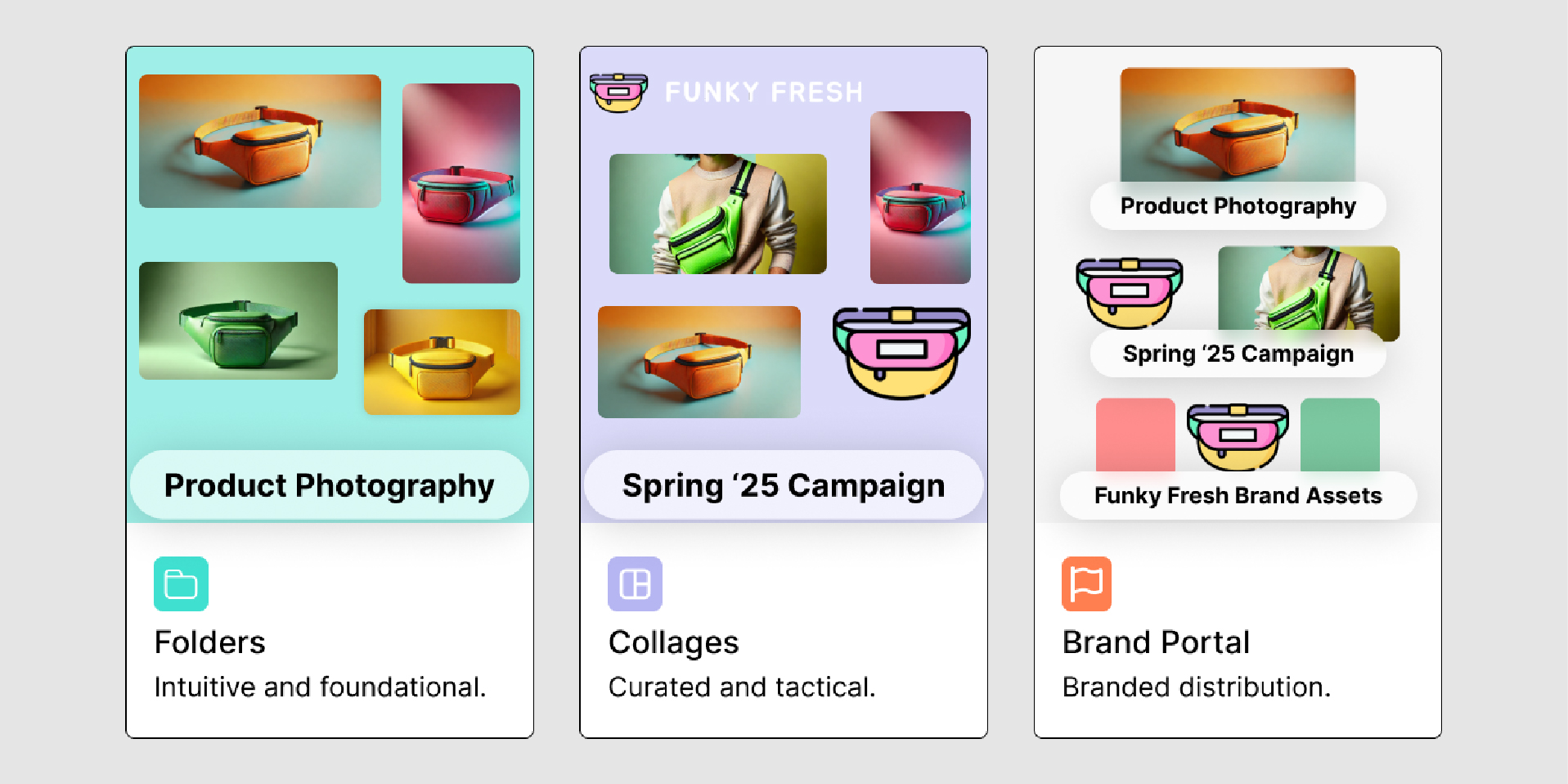
Instead of relying on folder hierarchies alone, top teams combine folders with tags, custom fields, and Collages. This means an asset can belong to a campaign, a product line, and a season — all at once — without duplication.
"By far the most visual and efficient way of managing my product and marketing content."
— Ty Stuart, Golfkicks
3. Distribution that doesn't require manual work
The old way: someone requests an asset, you dig through folders, download it, and email it over. The modern way: share a branded portal or auto-updating link. When assets are updated, everyone gets the latest version automatically.
4. Permissions that match your org chart
Not everyone needs access to everything. The best teams set up permission structures that match their workflows — giving designers full access, external partners view-only access, and sales teams access to approved materials only.
Making the switch
Moving from generic cloud storage to a purpose-built DAM doesn't have to be a months-long migration project. The key is starting with your highest-value assets and expanding from there.
Here's a simple migration framework:
- Audit your current assets — Identify what you have, where it lives, and what's actually being used.
- Define your structure — Plan your folder hierarchy, tags, and naming conventions before uploading.
- Migrate in phases — Start with your most-used assets (logos, brand guidelines, current campaigns) and expand over time.
- Set up distribution — Create portals and share links for your most common distribution needs.
- Train your team — The best system in the world is useless if nobody knows how to use it.
The bottom line
Growing brands that invest in organized content operations move faster, maintain stronger brand consistency, and free their creative teams to do what they do best — create. The tools exist to make this shift simple. The only question is whether you'll make it before the chaos becomes unmanageable.
Ready to see how Collage can help your team get organized? Book a demo and see it in action.