Your brand's new HQ.
Every asset in its place — sorted, searchable, and always where you expect it.
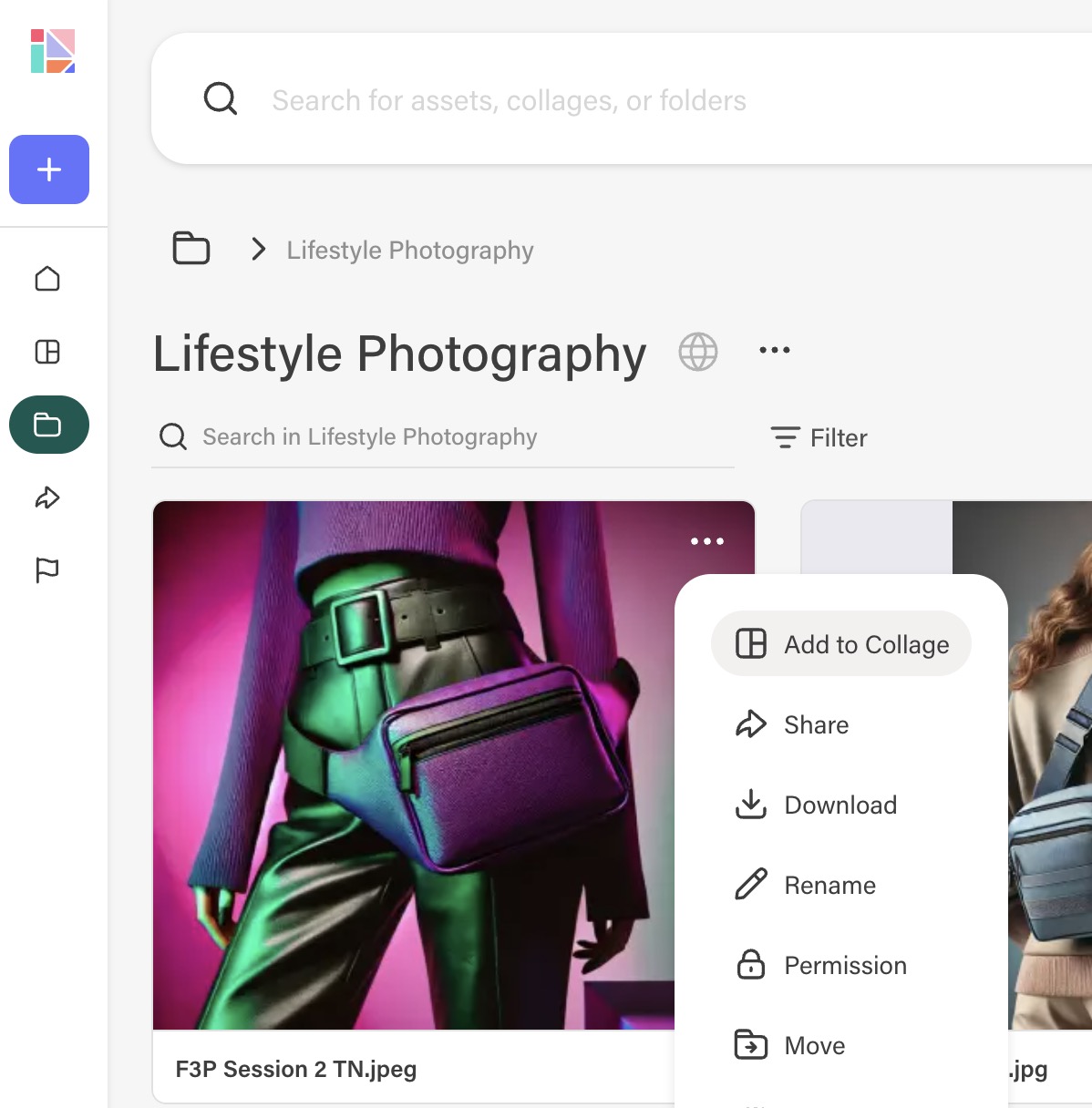
Book a demoFolders that mirror how your team thinks.
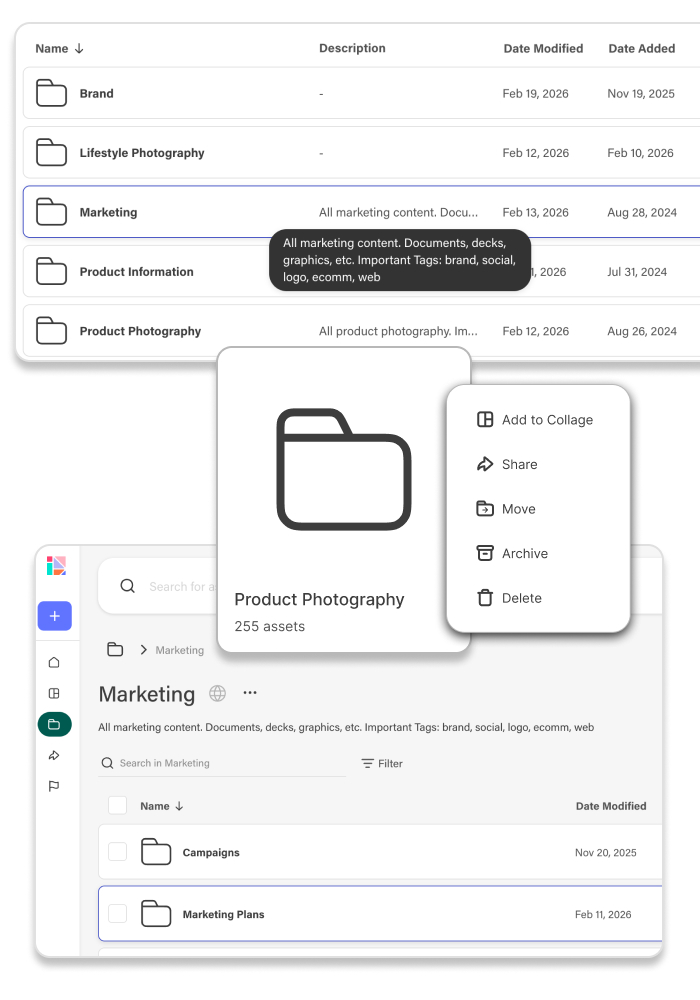
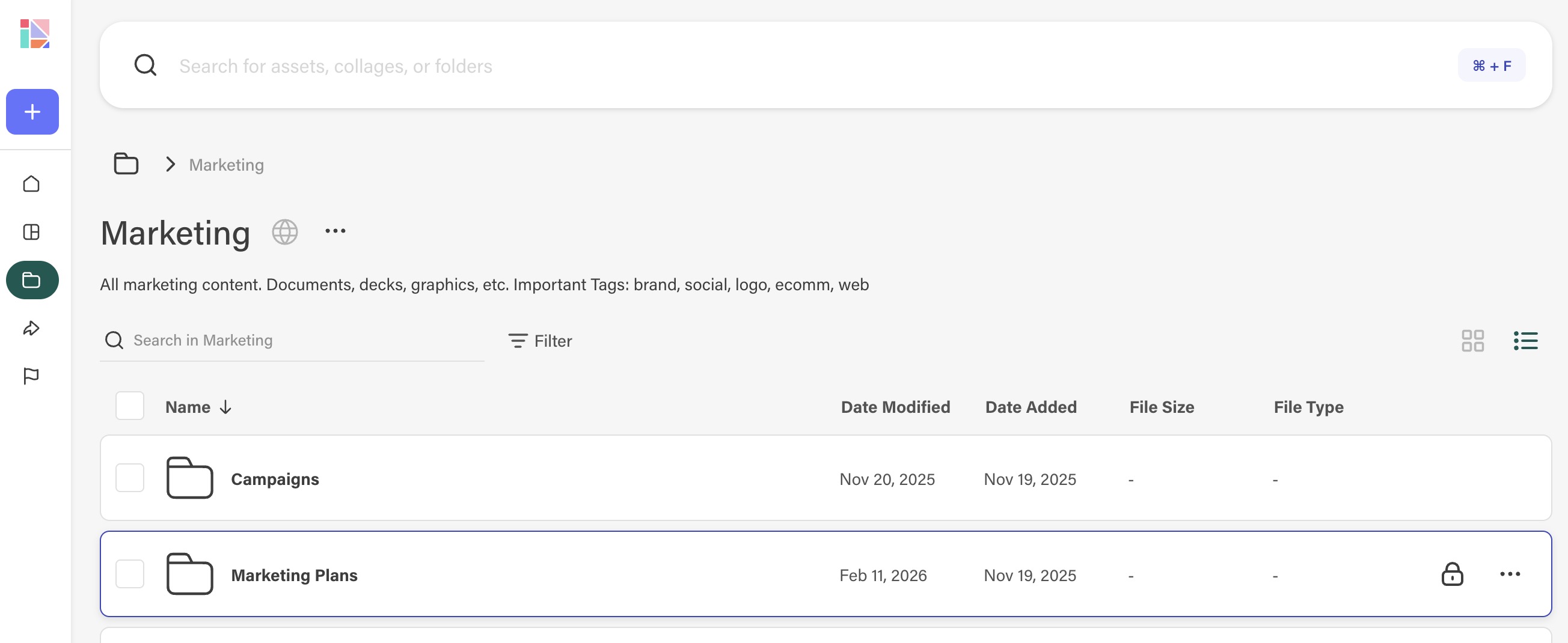
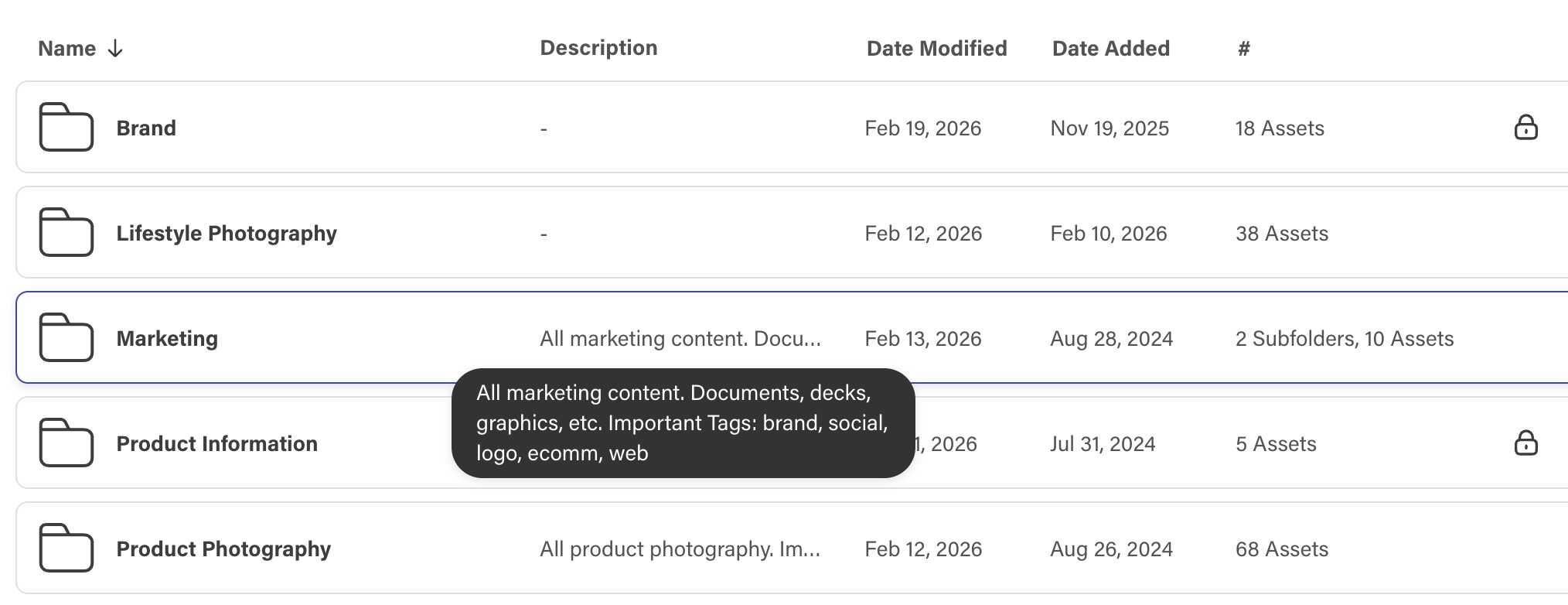
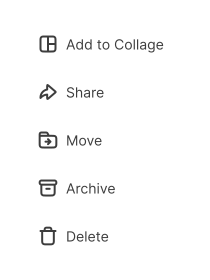
Your folder structure is the foundation of your library — the home of every brand asset. Create folders to reflect how your team works, then use folder-level actions to scale your workflows.
- Organize folders by brand, team, channel, or however your work is structured
- Set permissions for teams and external stakeholders
- Bulk-apply tags and metadata to stay organized
- Add, move, and rename folders without breaking asset links

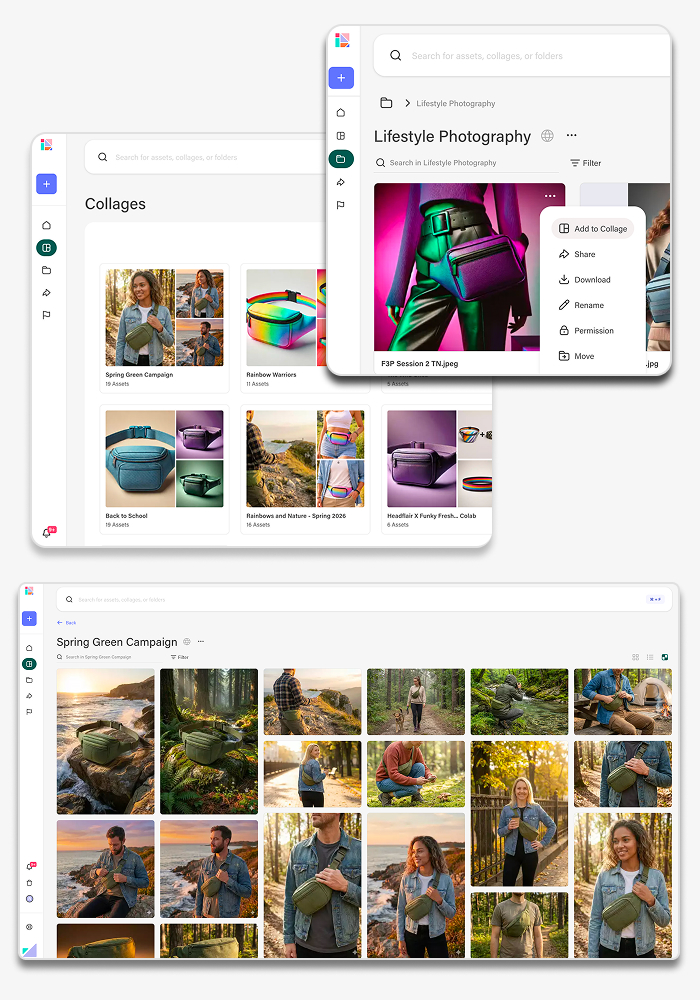
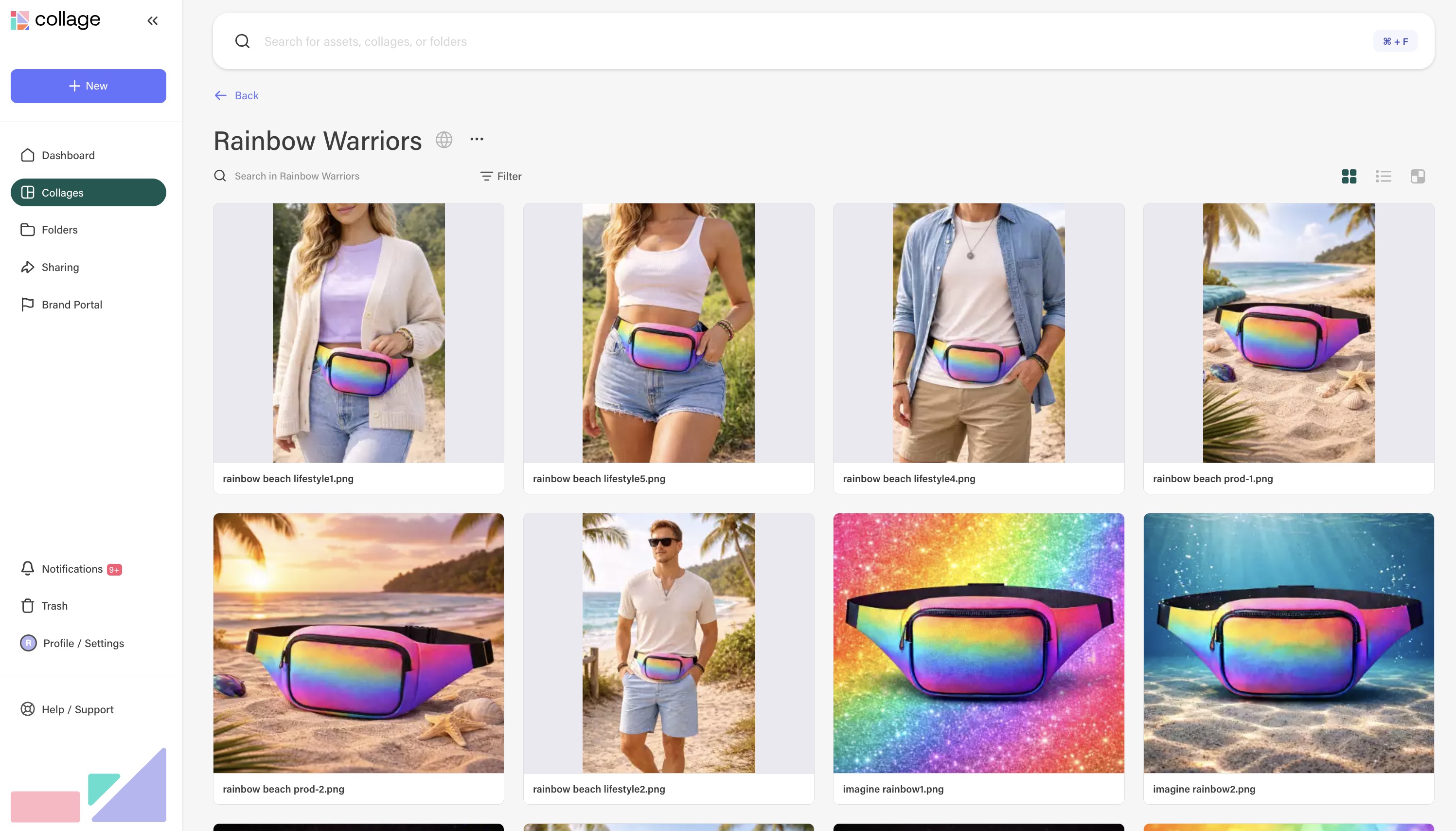
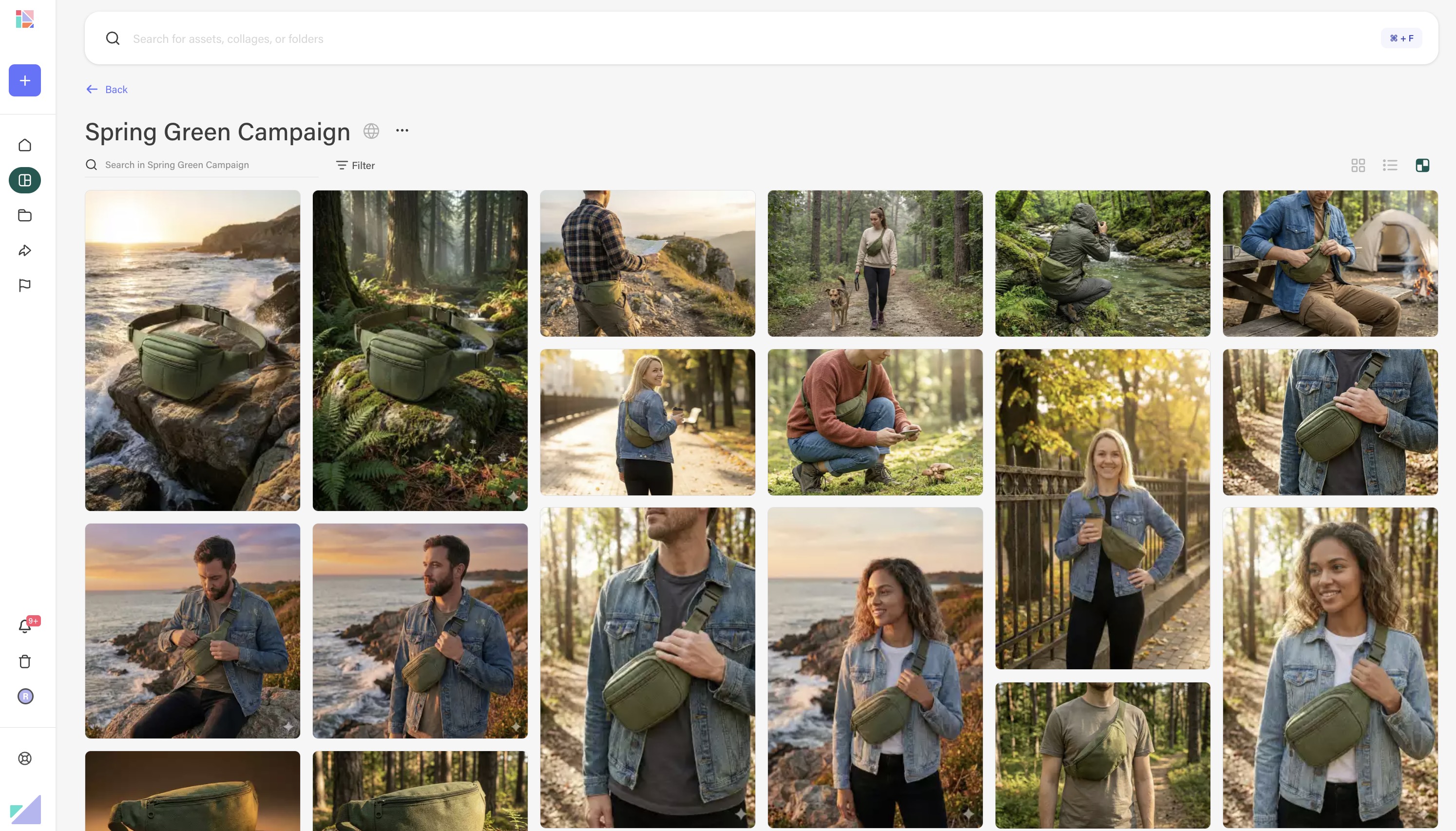
Group assets by campaign, season, or launch — no copying required.
Create curated collections with assets from anywhere in your library. Source files remain in folders — collages just point to them, so everything stays in sync automatically.
- Quickly build collages to support any project
- Create a different collage for each team, brand, or audience
- Publish collages to portals or share with dynamic share links
- One asset, as many collages as you need
- Updates to source files are instantly reflected across every collage
Discover the perfect asset, without knowing where it lives or if it exists.
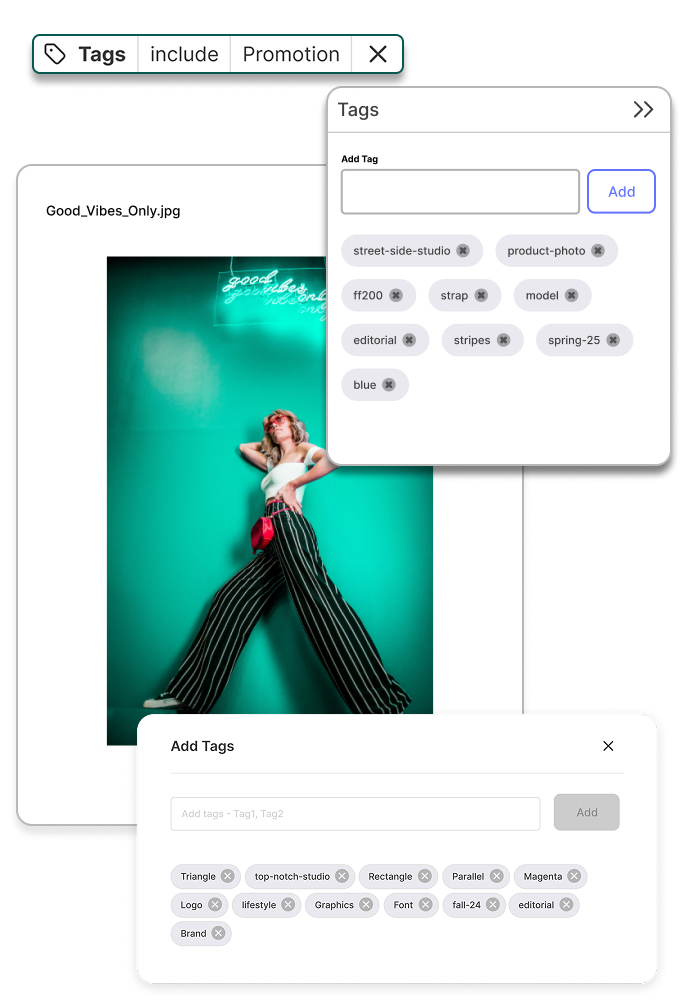
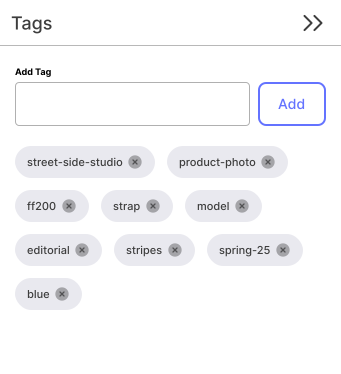
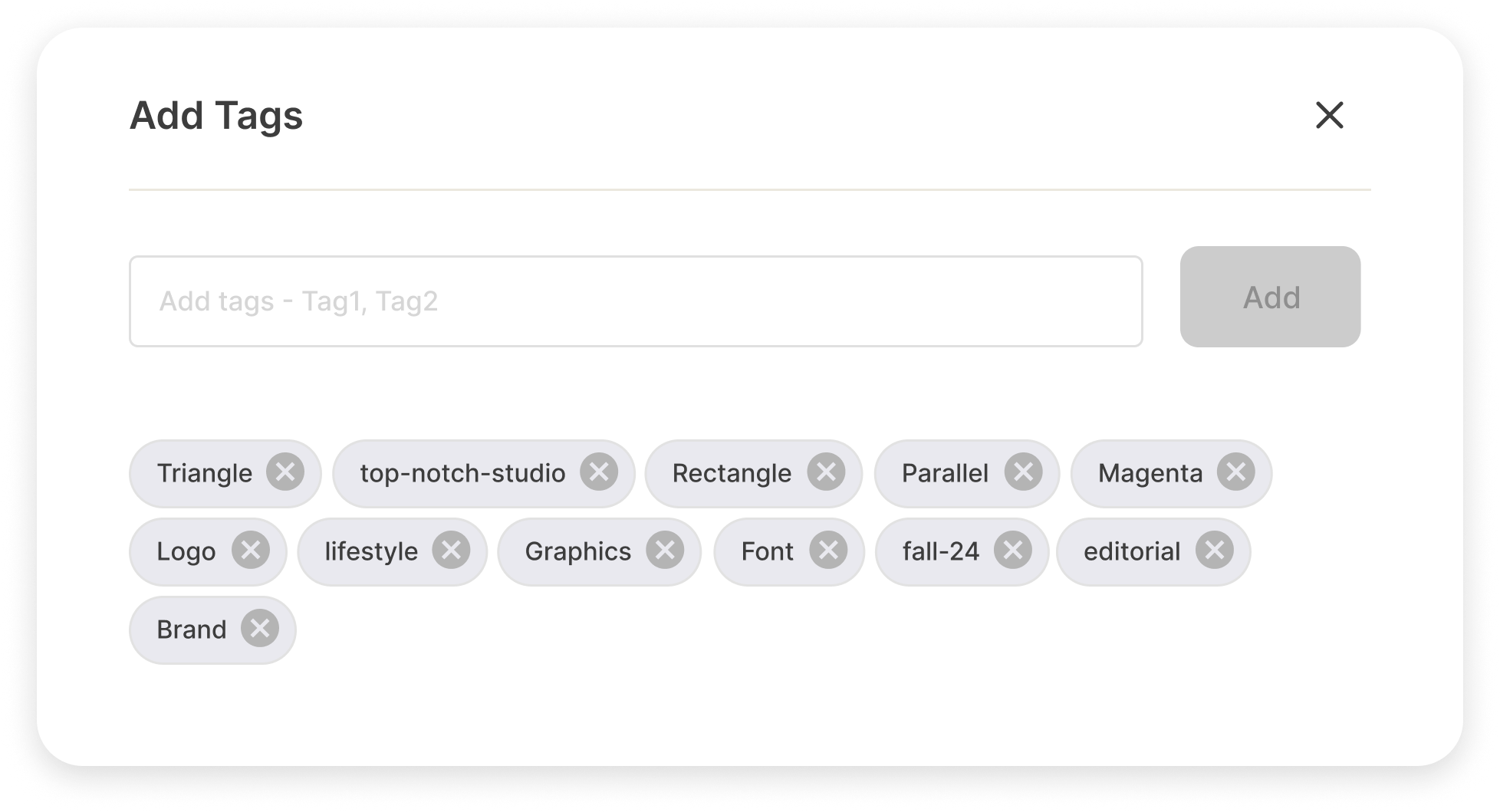
Add tags to any asset — by product, season, color, or anything else your team needs. Then filter and search across your entire library to find exactly what you're looking for.
- AI-suggested and manual tags on every asset
- Bulk-tag from any view, or tag individual assets in detail
- Filter and search by any tag combination
- Tag consistency tools to keep your library clean over time


Your assets, with the context your team actually needs.
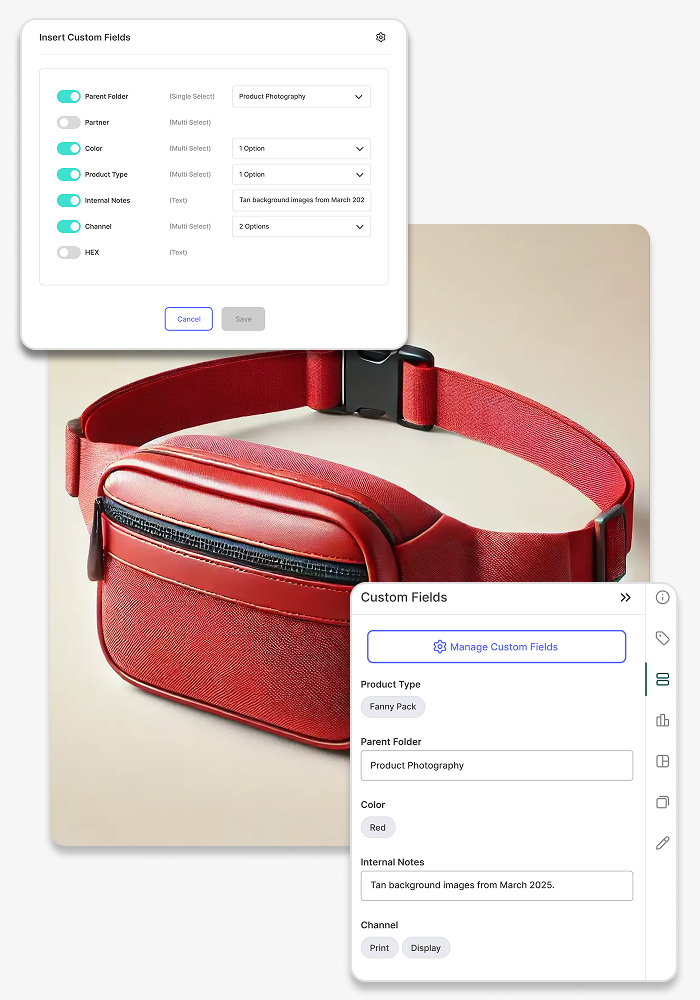
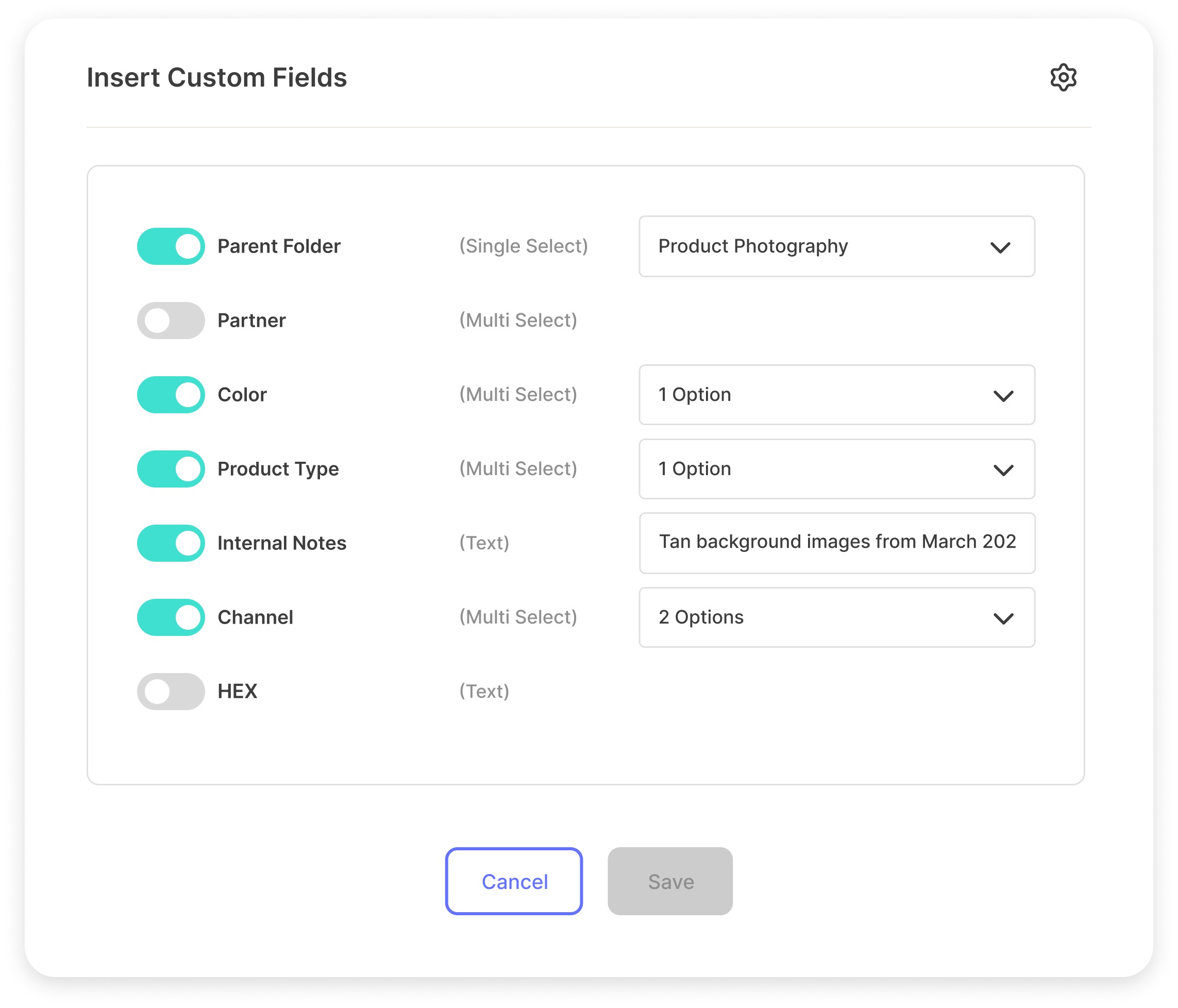
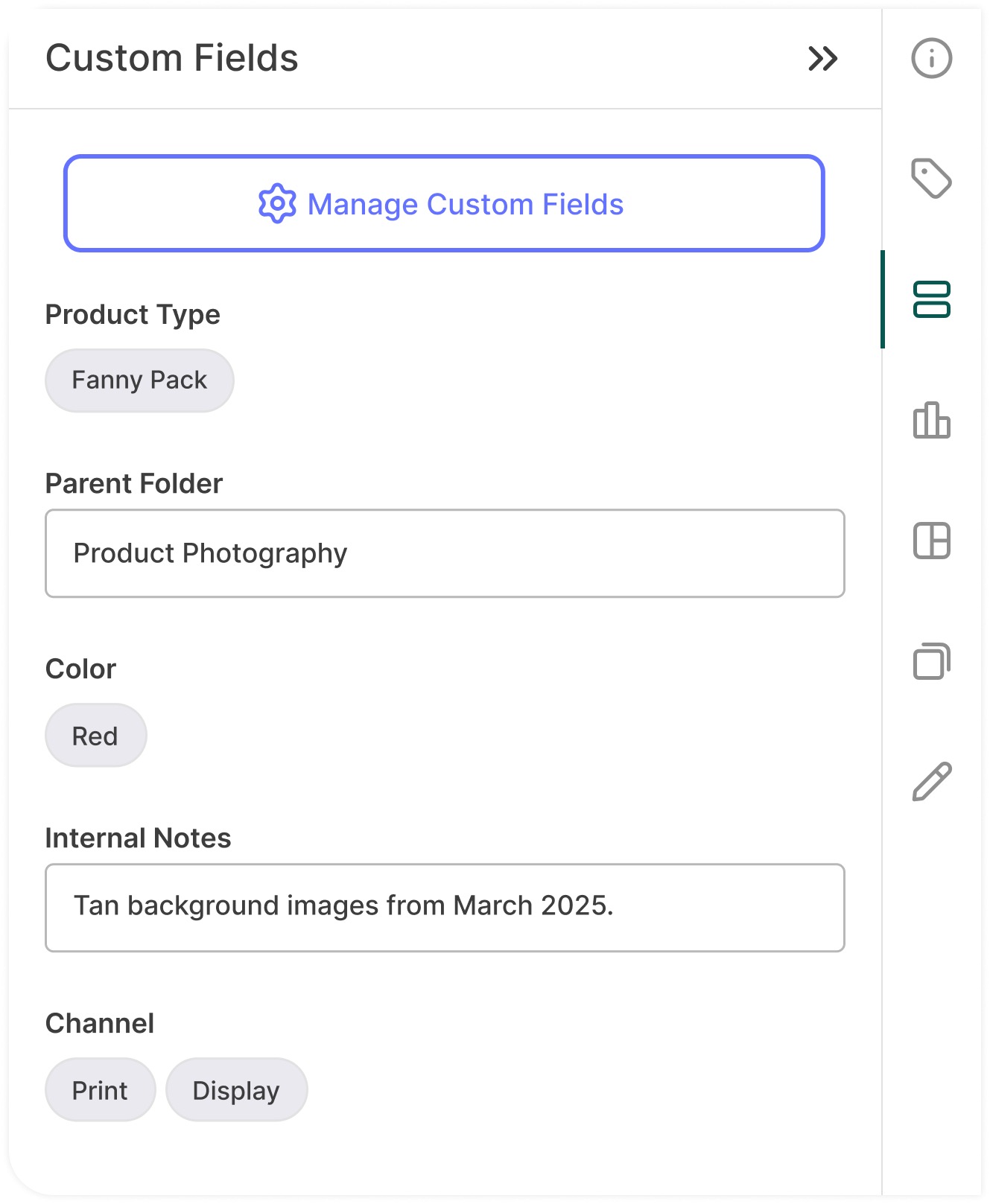
Go beyond file names. Attach structured data to any asset — campaign names, usage rights, ownership, and more. Custom fields are searchable, filterable, and always travel with the asset.
- Text, dropdown, and multi-select field types
- Edit custom fields in bulk across your library
- Filter and search by any field — in global search, folders, and collages
- Control which fields are visible to portal audiences