



Find the right asset. Use it where you work.
Creative teams lose hours searching across drives and tools. Collage puts everything at your fingertips — including inside Figma and Adobe.
Sound familiar?
Your best work starts with the right assets — but finding them shouldn't be the hard part.
You can never find what you need.
Brand photography buried in nested folders. Logos scattered across three different drives. You spend more time searching than designing.
AI-powered search finds any asset in seconds. Search by keyword, tag, or file type — and get there fast with live results.
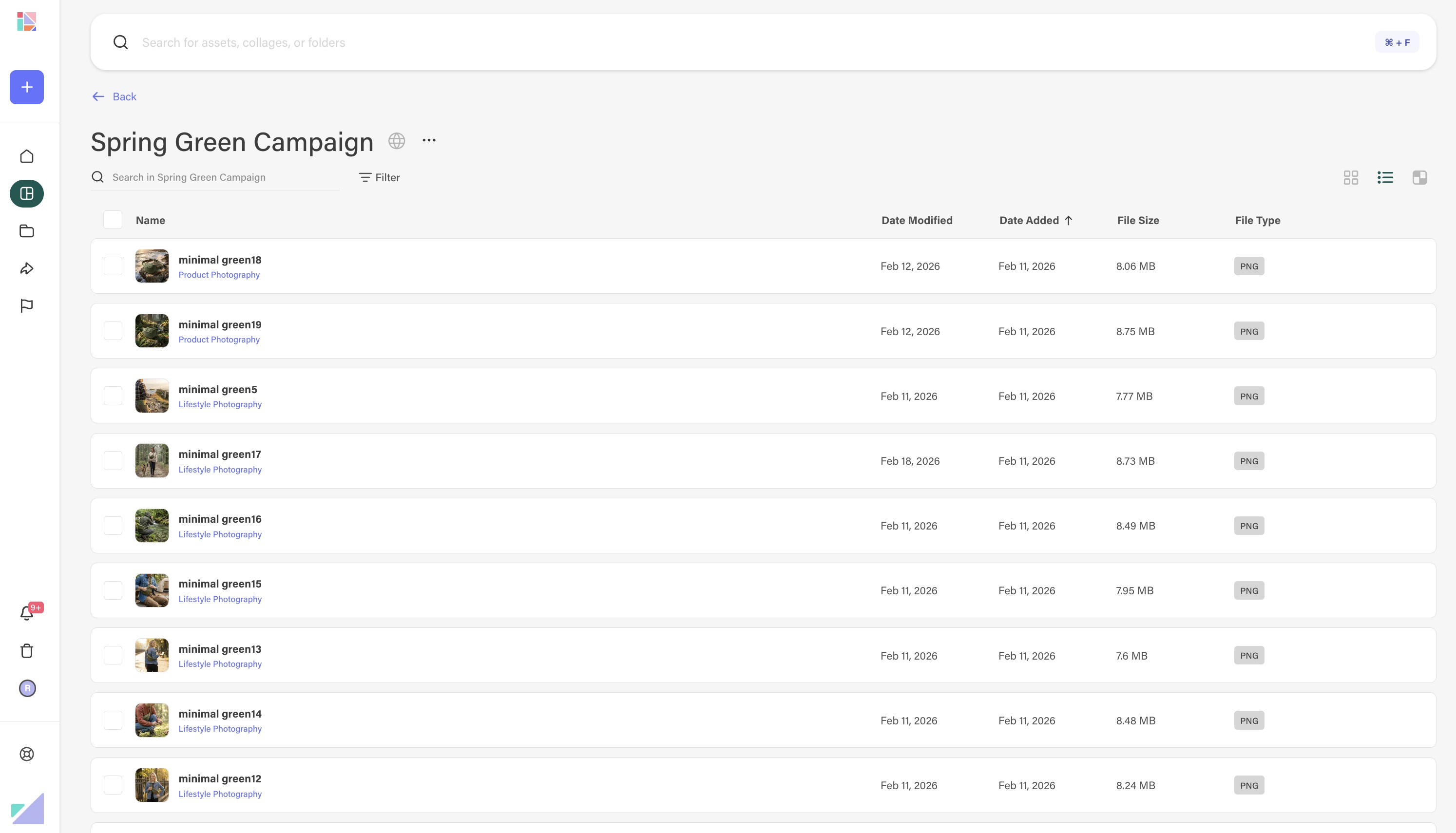
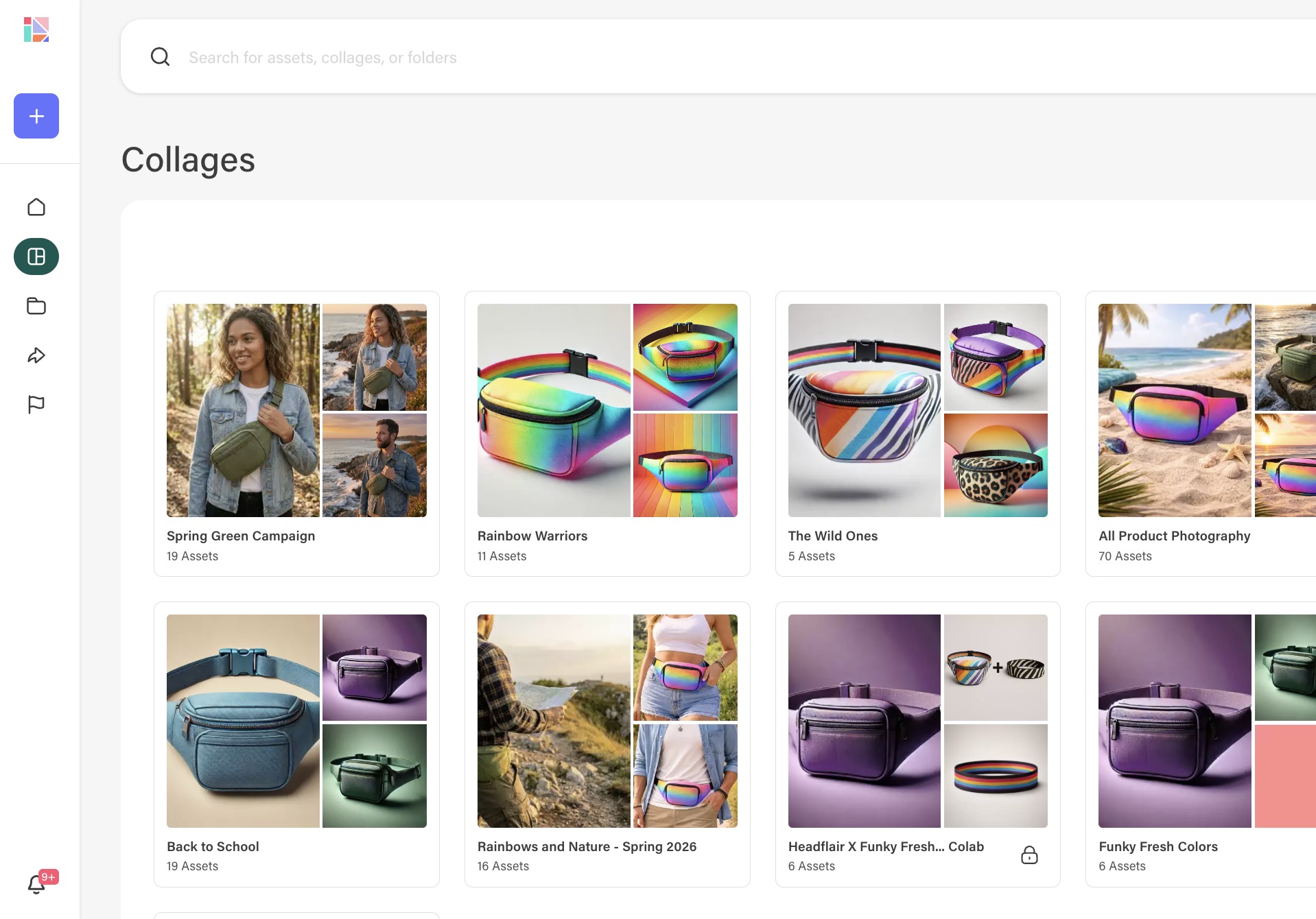
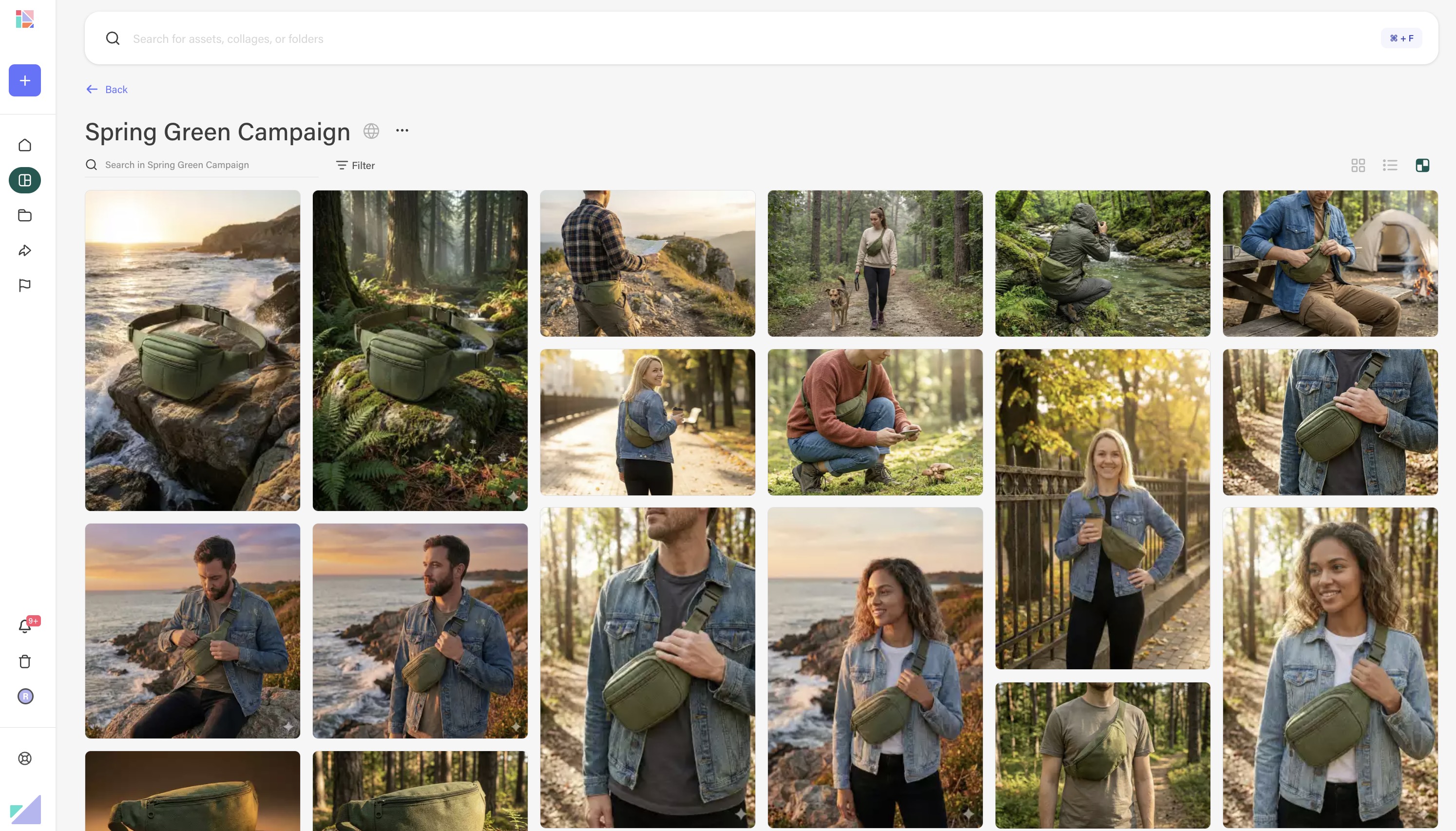
Grouping assets for a project is manual work.
Every new project means creating a new folder, downloading assets, re-uploading. Context gets lost between tools.
Collages let you curate assets for any workflow — without duplicating files. Organize once, reference everywhere.
Switching between tools breaks your flow.
Find the asset in one tool, download it, open another tool, import it. The context switch kills your creative momentum.
Access your full library directly from Figma and Adobe. Drag assets straight into your canvas without leaving your workflow.



"Instead of digging around in Drive through every single product folder, she can just search by the vibe — like Valentine's — and see everything at a quick glance. That saves so much time."





Spend more time creating,
less time searching.
Your creative library, organized and accessible from every tool you use.
Book a demo