



How Loopy Cases consolidated every asset into one platform
A phone accessory brand consolidated its assets from Box and Brandfolder into Collage, building a photographer-first folder system with tag-driven discovery and a brand portal that serves every team.

A creative lead managing high-volume product photography
Loopy Cases is a phone accessory brand known for its signature loop grip. Jamie leads the creative asset workflow, coordinating photography from multiple external photographers while team member Mariah handles all uploads and tagging for the brand.
From product launches and campaign shoots to Photoshop mockups showing cases on every phone color, the team produces a constant stream of visual content that needs to reach graphic designers, marketers, external partners, and the Loopy founders.
Migrating from Box without losing structure
Before Collage, Loopy Cases had its assets split across Box and Brandfolder, with the bulk managed in a deeply nested Box folder structure organized by photographer and shoot number. When they migrated, every photographer's carefully separated folders were dumped into a single location, causing them to lose the hierarchy the team depended on.
On top of the migration challenge, sharing assets meant juggling Box permissions across departments. Graphic designers, marketing, influencer relations, quality assurance, and even external charity partners all needed access to different slices of the library. Giving everyone full access was too risky for the team and too confusing for non-power users.
A photographer-first folder system that keeps every shoot organized
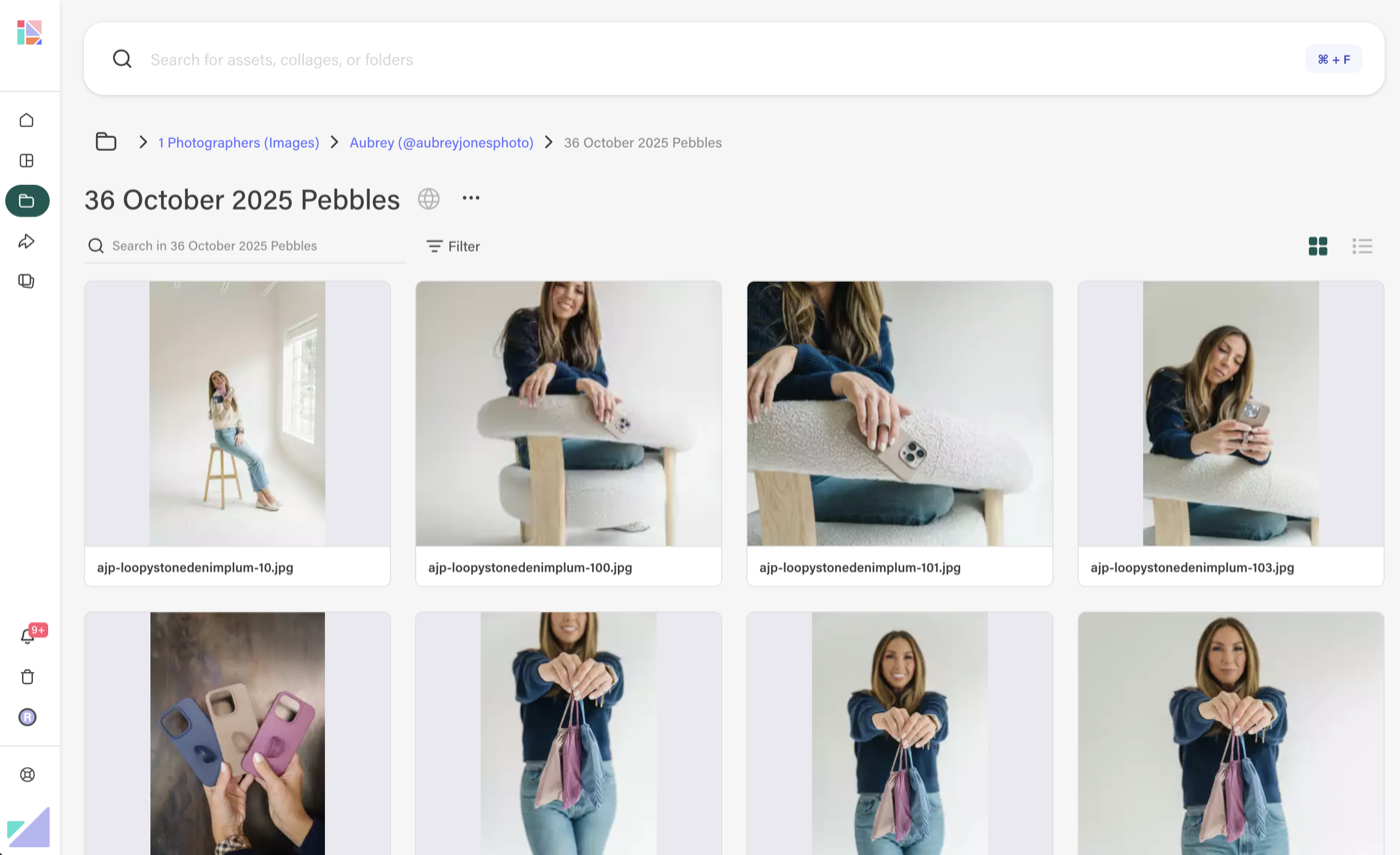
Jamie rebuilt the team's asset structure inside Collage using folders organized by photographer, then by numbered shoot. Qiana's 55th shoot gets its own folder. Mariah's in-house work is organized the same way. From each folder, selected images are curated and shared via collages to support how the marketing team executes campaigns.
This hybrid approach gives the team the structure they need for managing thousands of images, while collages serve as curated sets for each launch. Final photos, ads, working files, and giveaway content all live in one place.
"We use folders a lot. They're clear and structured which supports how we operate. We have a lot of stuff that doesn't necessarily need a collage, but they become very useful for grouping and preparing for launches."
Tag-driven retrieval powered by a dedicated tagging steward
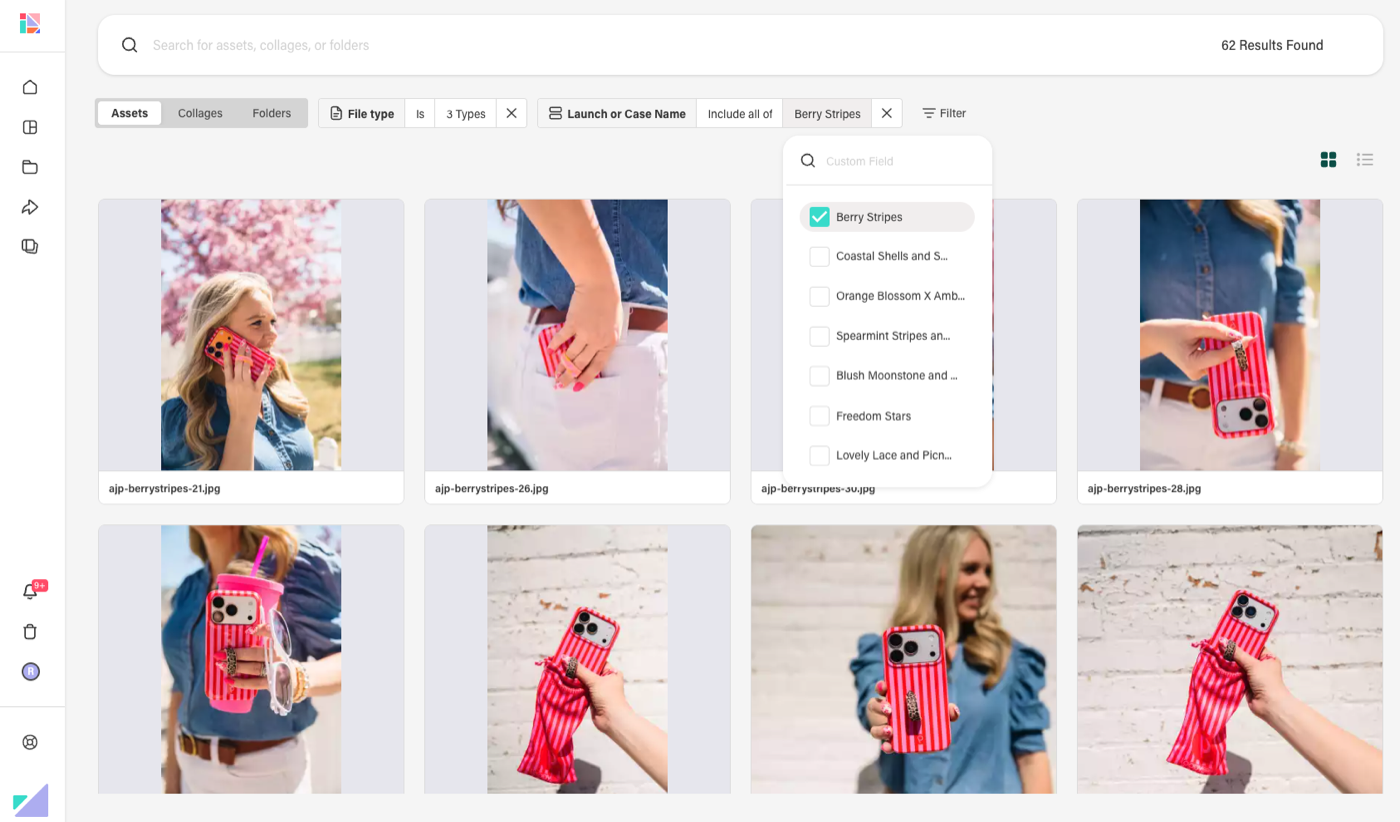
Mariah manages all tagging for the library — product names, loop combos, seasonal themes like Valentine's Day, use cases like multi-grasp and pocket shots, and even specific elements in photos like jewelry, balloons, or sweaters.
The result is a system where anyone on the team can combine tags to find exactly what they need. Search "Berry Stripes" plus "multi-grasp" and the right images appear instantly — no folder-diving required.
"We find it very, very easy to find what we're looking for."
A brand portal that serves every department and partner
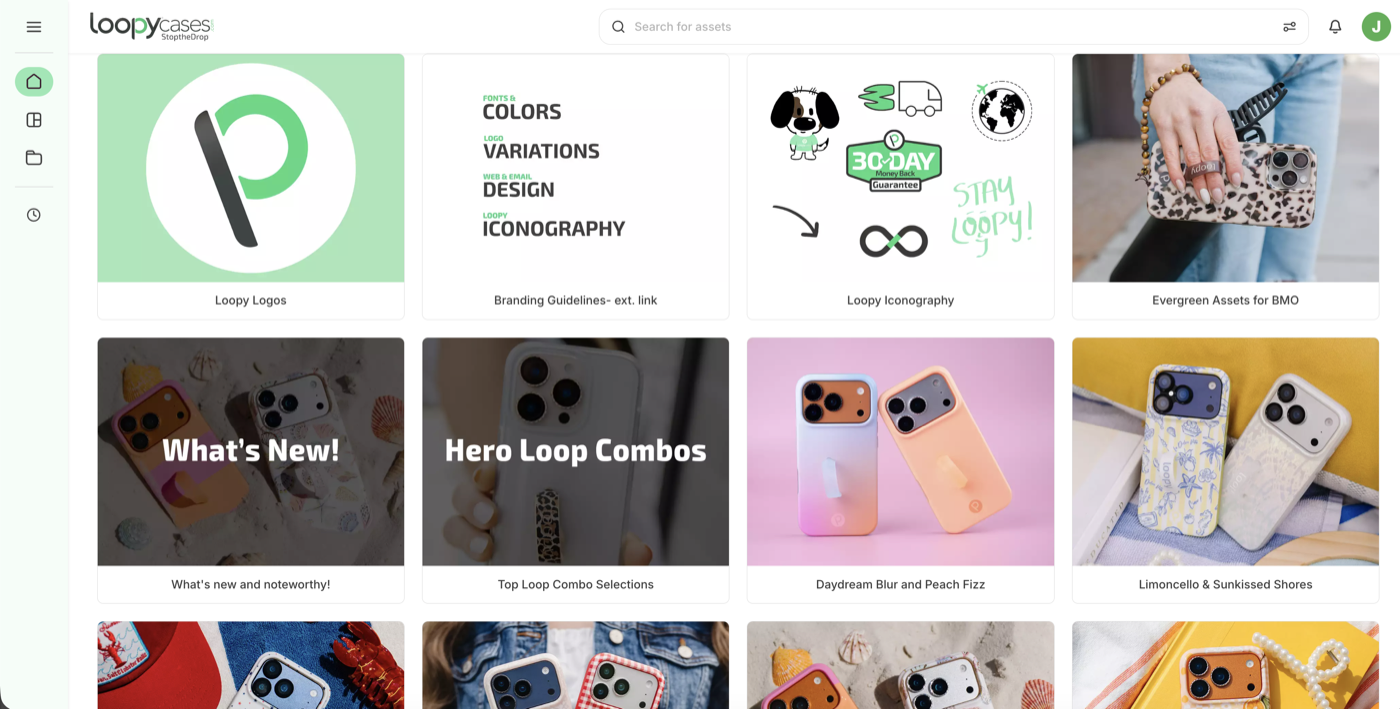
Loopy Cases built a brand portal in Collage with organized folders for production, customer service, influencer relations, quality assurance, and the design team. Each folder contains exactly what that department needs — product images, color files, company logos, and external charity logos.
When the influencer team needs a preview of upcoming launches, Jamie shares a folder with expiration dates and login requirements for security. When a charity partner needs a logo, Jamie points them to the portal instead of hunting it down manually.
"Before it was always 'Hey, can you find this logo for me?' But now, I'm like, no — check the brand portal."
A complete migration from Box — no backup plan, no going back
Jamie replaced Box entirely rather than adding another tool alongside it. After migrating all assets, she emptied Box completely so that others had no choice but to adopt the new system. A "pre-collage" staging folder holds legacy content that gets organized as time allows.
The result: zero confusion about where files live. Edited working files go in folders, final approved images go in collages. No Box, no Brandfolder, no duplicate storage. Just Collage.
"We literally left Box empty, so the team had nowhere to go."
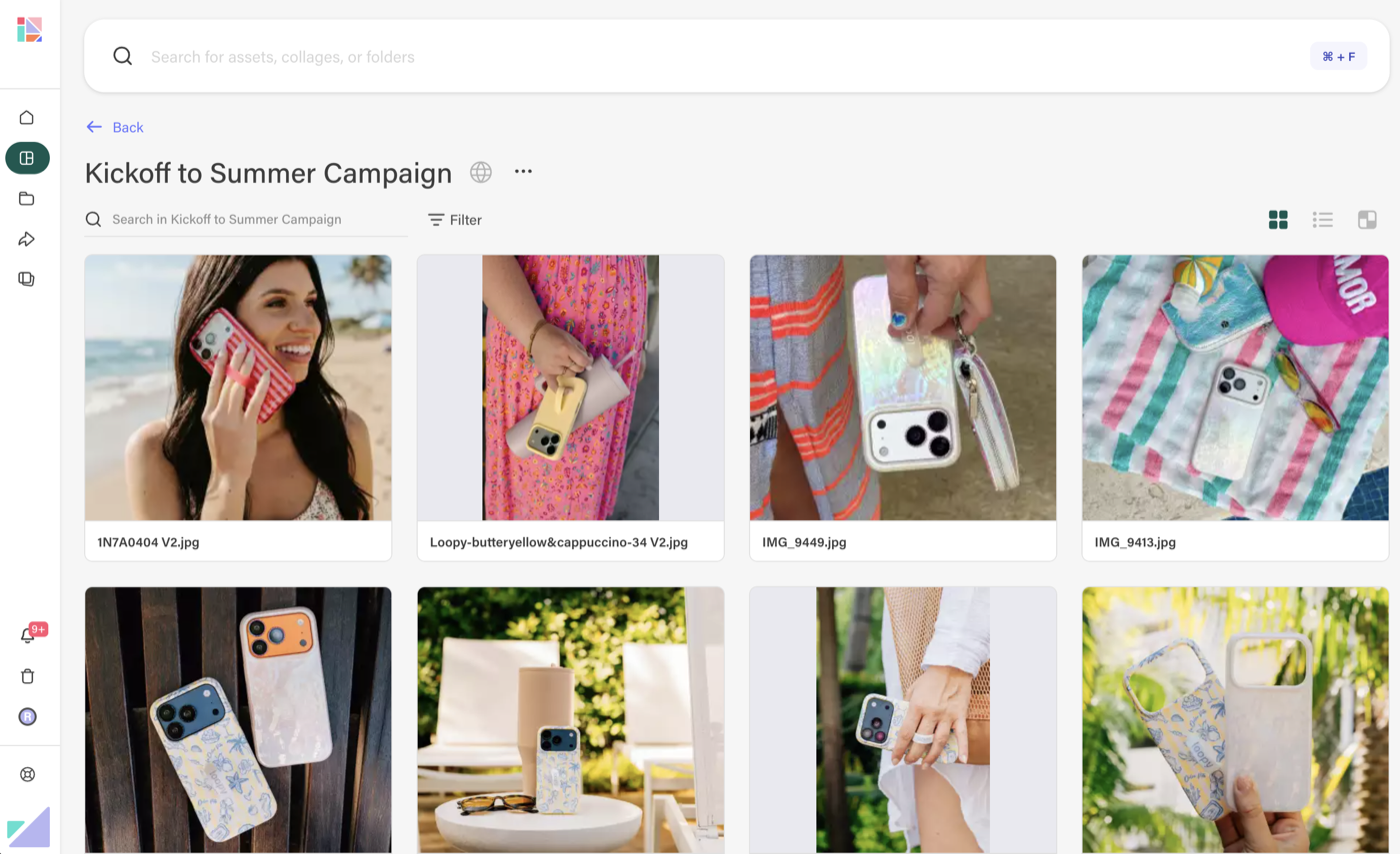
"It's less confusion as far as what is where. Edited files are going to be in a folder. If it's just an image that we know is final, you can use it for whatever — it's in a collage. It just makes it so easy to deliver to whatever team we need to deliver it to."
The impact
Migrating fully to Collage transformed how Loopy Cases manages and delivers creative content.
Single source of truth
No Box, no Brandfolder — every asset from every photographer lives in one platform
Tag-powered discovery
Combine product, color, and theme tags to find the right image instantly
Cross-team access
Six departments self-serve from the brand portal without needing full Collage access
Secure external sharing
Share pre-launch content with expiration dates and login requirements for partners
Related Posts

How E4 arms hundreds of advisors with a self-serve content portal
A two-person marketing team replaced Brandfolder and SharePoint chaos with a color-coded, collage-based library.

Brand Portals: The Key to Effortless Content Distribution
Stop emailing files. Start sharing branded portals that keep your content on-brand and up to date.

From Chaos to Consistency: How Growing Brands Keep Their Marketing on Point
From scattered drives to a single source of truth — here’s how teams are simplifying their asset management.